FAQ
Frequently asked questions
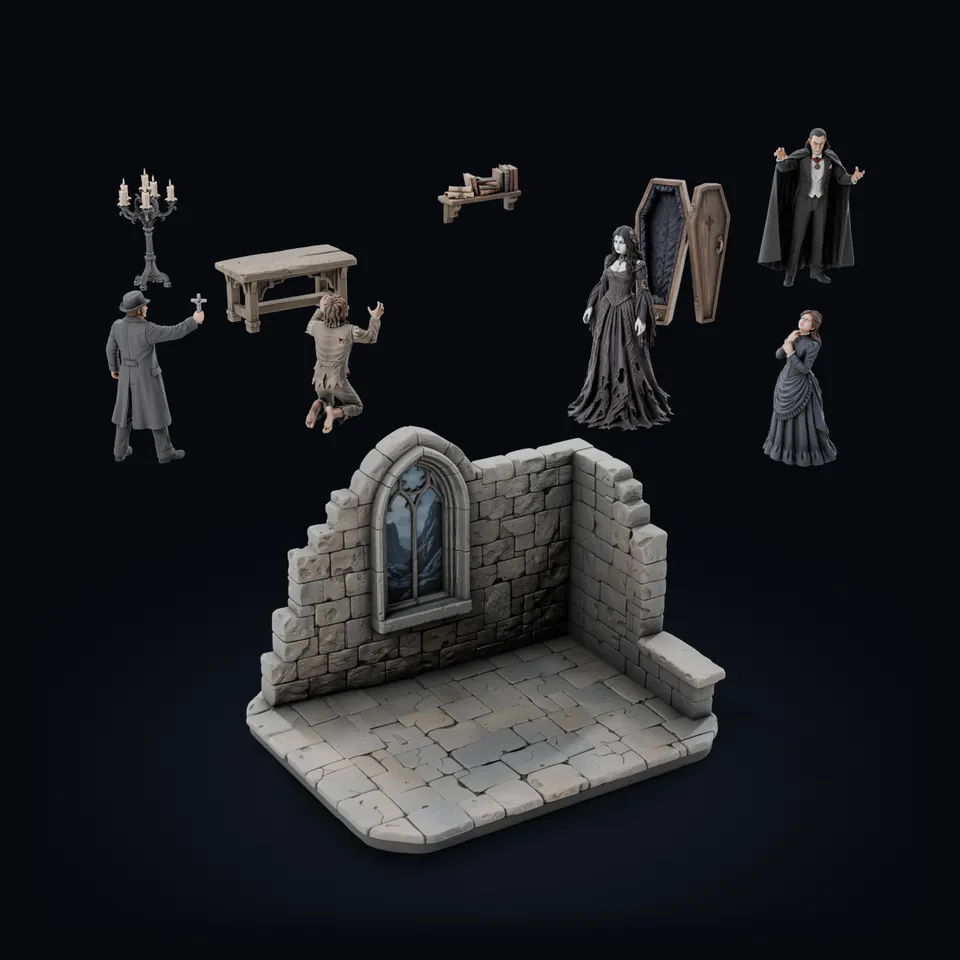
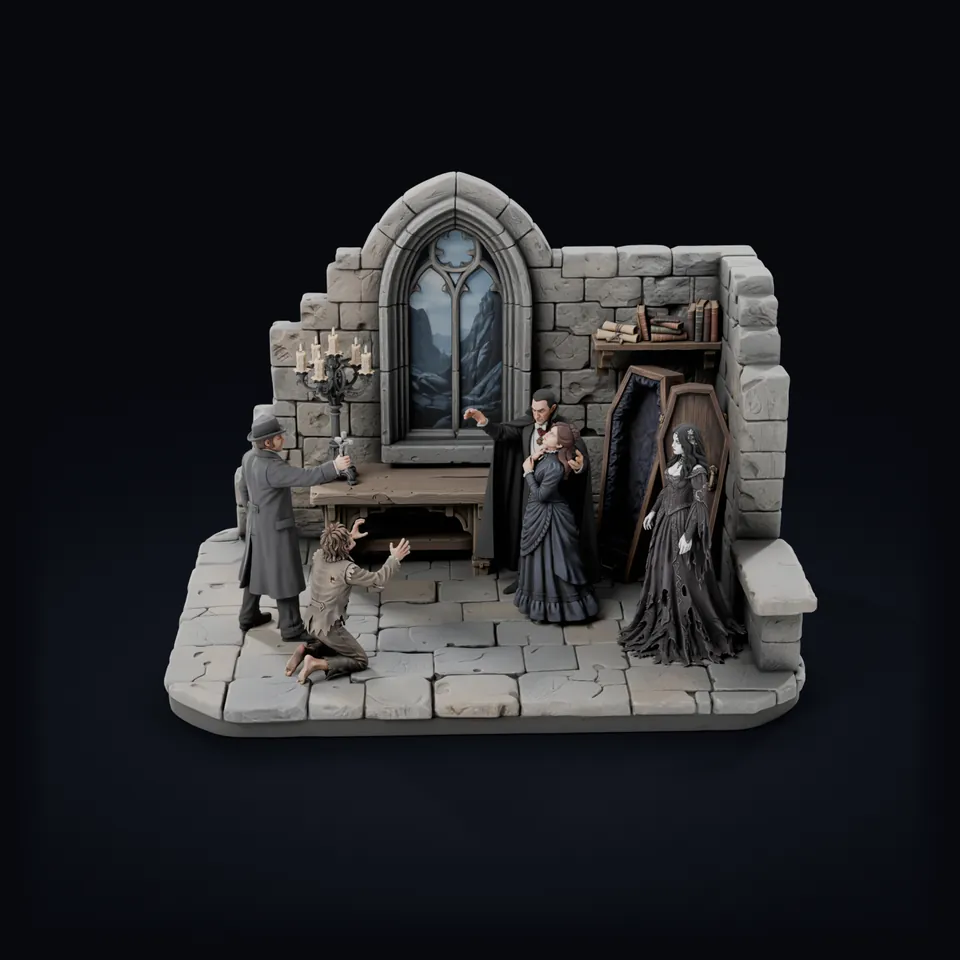
Diorama Studio takes a scene from an idea to printable parts in your browser: describe it or drop in a picture, generate a master scene, let it list up to 30 elements, build the ones you tick as separate 3D models, arrange and size them in millimetres on one stage, and export a ZIP with one STL file per part. The names below match the tabs and buttons in Diorama Studio.
What is an AI diorama generator?
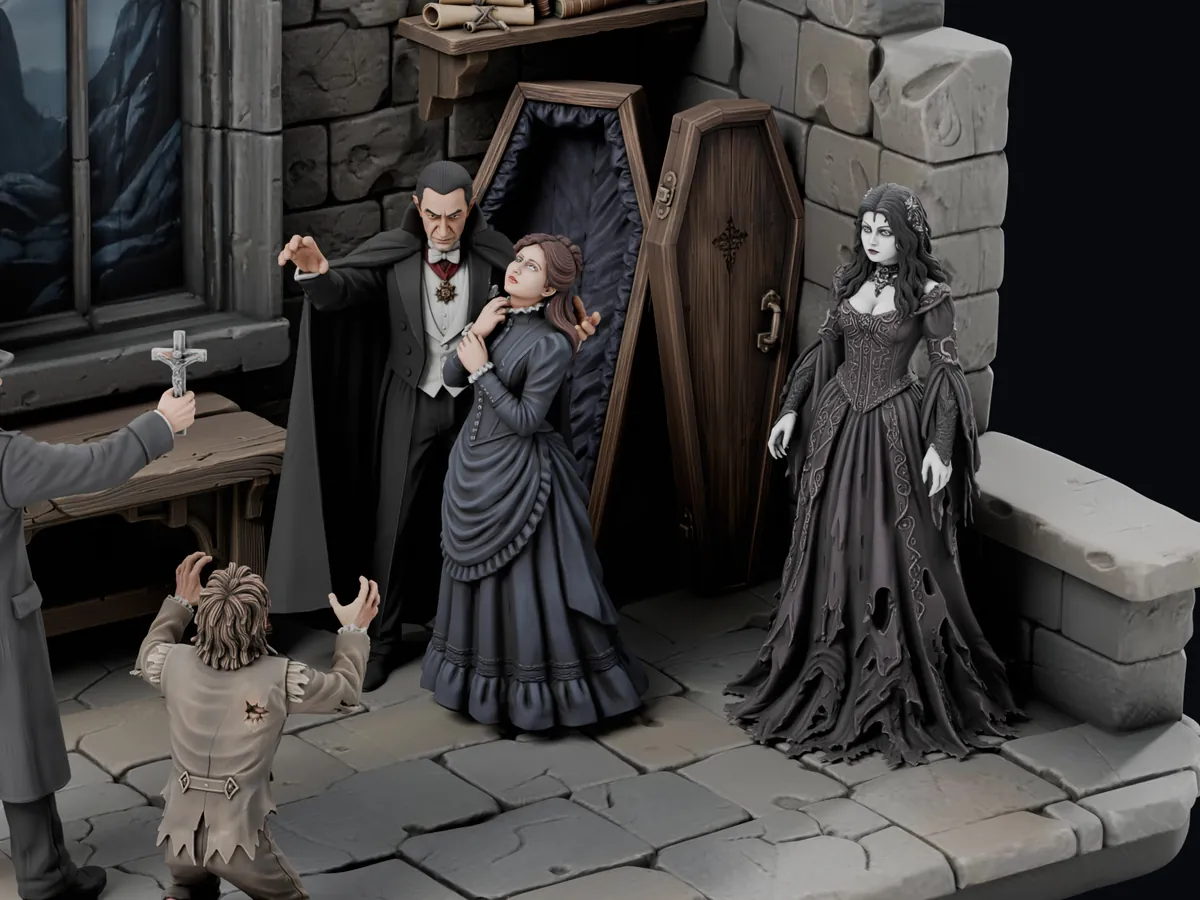
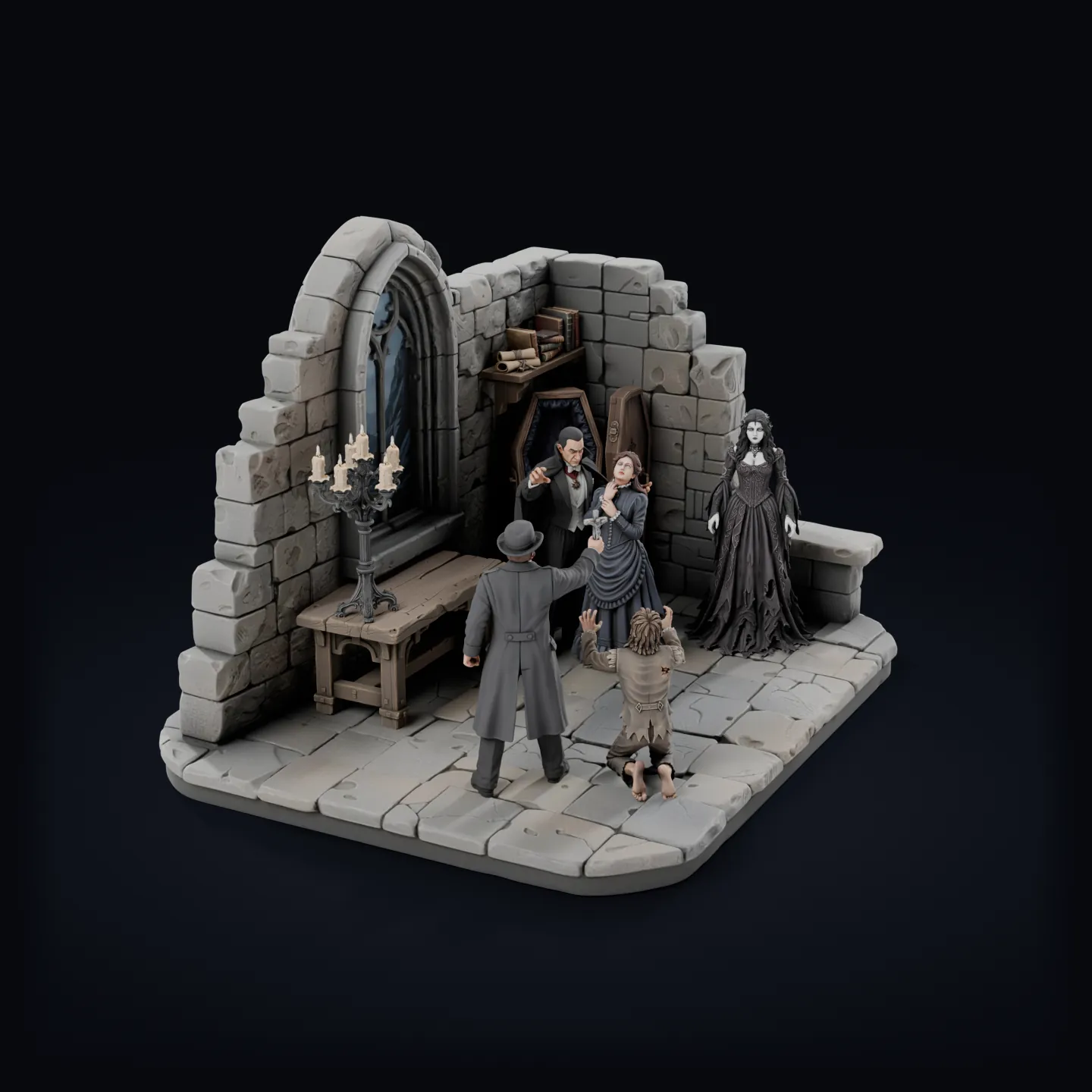
An AI diorama generator turns a description or a picture into a miniature scene. In Printara Diorama Studio the result is not a single image: every character, prop and piece of setting you pick becomes a separate 3D model, which you arrange on one stage and download as STL files for 3D printing.
How do I make a printable diorama from an idea?
Type the scene under Scene prompt, or type one idea and press Write the scene for me. Press Generate master scene, then Read this scene: Diorama Studio lists up to 30 characters, props and pieces of setting. Tick the ones you want, press Generate concepts, keep the concept art you like and press Build approved models. Arrange them on the stage, set their heights in millimetres and press Export ZIP for one STL file per part.
How can I build a book nook scene with AI tools?
In two ways. For a 3D printed book nook, build the scene in Diorama Studio as separate models, set each part's height in millimetres and use Measure and Distance to fit the arrangement to your insert. For a wooden one, the AI Laser Cut Generator turns a written brief into flat parts on cutting sheets with SVG and DXF files; its medieval alley book nook has 19 parts on 15 sheets.
Can I export a diorama as separate STL parts?
Yes, that is how Diorama Studio exports. Each element you build is its own model, and Export ZIP holds one STL file for every part on the stage, in millimetres and in the position where it stood. You print and paint each piece on its own, then assemble the scene.
What files do I download?
A ZIP with one STL file per part, plus a manifest.json that lists them. Every STL is in millimetres at the size you set, with its position and rotation from the stage baked in, so the parts line up as arranged. A pack holds up to 24 models, and each part is also in your Printara library for single-model downloads such as GLB and OBJ.
Can I arrange separate models, including my own, into one printable scene?
Yes. On the Diorama Studio stage, a click on a model card in its Library adds that model next to the others, up to 24 models. For models from anywhere, use the Library in Printara Studio: tick up to 24 models, including STL, GLB, 3MF or OBJ files you uploaded, press Open together, then move, rotate and scale each one. Export ZIP gives one STL per model, placed as arranged.
Can it design tabletop terrain or a display scene?
Yes. Describe the scene, for example a small fantasy village or a ruined chapel, or drop in a picture. Diorama Studio lists the characters, props and setting pieces worth printing, such as walls, floors, rocks, trees and bases, and you choose which become models. Build them without texture if you will paint them, arrange them on one stage in your browser and export one STL per part, sized in millimetres.
Can I start from a photo or my own artwork?
Yes. Drop a PNG, JPG or WebP picture into Start from an image. Rebuild as miniatures turns it into a miniature master scene, and anything you type becomes a list of changes. This IS my diorama uses a photo of a diorama you already have as the master scene, without generating a new image.
Can I make single 3D models and whole dioramas in the same place?
Yes, with one Printara account. Printara Studio makes one model at a time from a photo, an image or a text description, and Diorama Studio builds a whole scene as separate models on one stage. Every diorama part is also saved as its own model in your Printara library, where Printara Studio opens it for single-model downloads such as GLB and OBJ.
What should I measure for a book nook or a display base?
Measure the space the scene must fit: the inner width, depth and height of the book nook insert, or the top of the display base, in millimetres. Then work in millimetres on the stage: select a model, type a Height and press Set, or size every model at once with Set all. Measure shows a part's width, depth and height, Distance measures between two points, and the exported STL files keep those sizes.
Do the colours come with the STL files?
No. STL stores shape only, so you paint the printed parts. Colour textures (Standard 2K, Detailed 4K or Extreme 8K) show the scene in colour in the 3D view and in marketing images. For a scene you plan to paint, No texture is the lowest-cost build.
Can I sell the dioramas I make?
Yes. Under Printara's Terms you keep ownership of the models you generate, and you give Printara a non-exclusive licence to display, distribute and market them, including posting them to external marketplaces. You are responsible for making sure a scene does not copy someone else's characters, trademarks or designs before you sell it. From the Publish tab you can create styled marketing images, have the listing text written for you, and publish the pack to the Printara marketplace with a paid creator plan, to Etsy with Plus or higher, or to CGTrader and Cults3D with Pro.
Do I need an account, and what does it cost?
Diorama Studio opens after you sign in, and a Printara account is free. Generating images and building 3D models use credits from a plan or a credit pack, and every paid button shows its credit cost before you press it. Write the scene for me, using a photo of your own diorama as the master scene, and exporting your own pack as a ZIP use no credits.