FAQ
Frequently asked questions
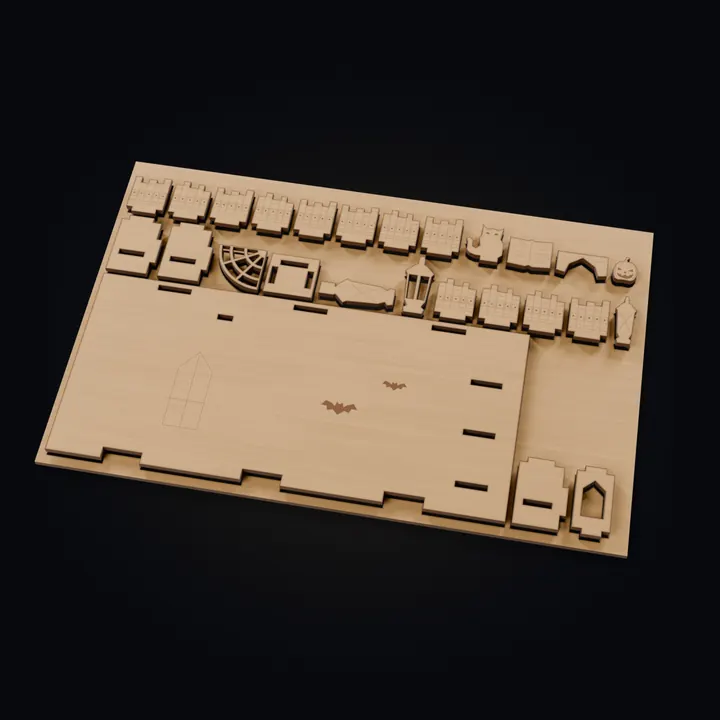
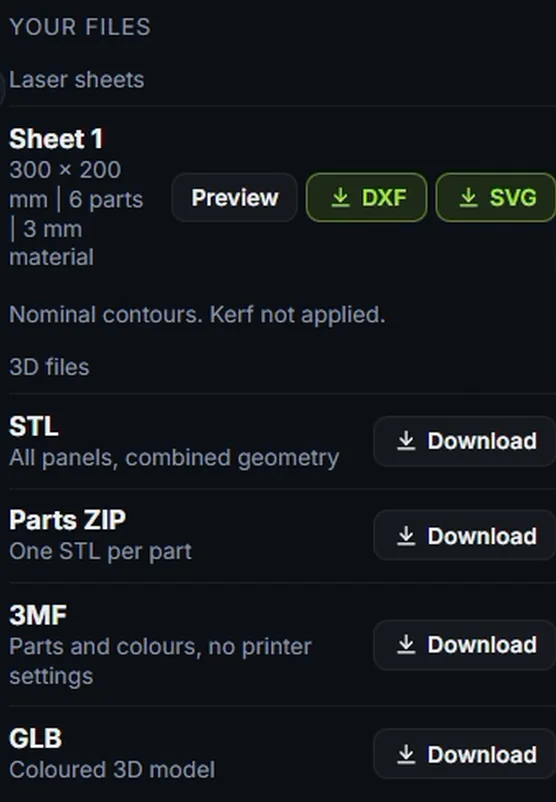
Every laser kit comes with an SVG and a DXF for each cutting sheet, at true size in millimetres, with cut, score and engrave kept apart in the SVG, and the layers CUT, SCORE, ENGRAVE and ENGRAVE_FILL in the DXF R12. You also get the assembled model as STL, 3MF and GLB and a Parts ZIP with one STL per part. Below: what to check before you cut. Use the preview legend and README for the colours of the selected export profile.
What is an AI laser cut generator?
An AI laser cut generator turns a description, and photos if you have them, into flat parts you can cut from sheet material. In Printara Studio the result is a kit: the parts are modelled in 3D, nested on cutting sheets of the size you set and exported as SVG and DXF files with cut, score and engrave layers, plus 3D files of the assembled model.
How do I turn a written brief into SVG or DXF cutting sheets?
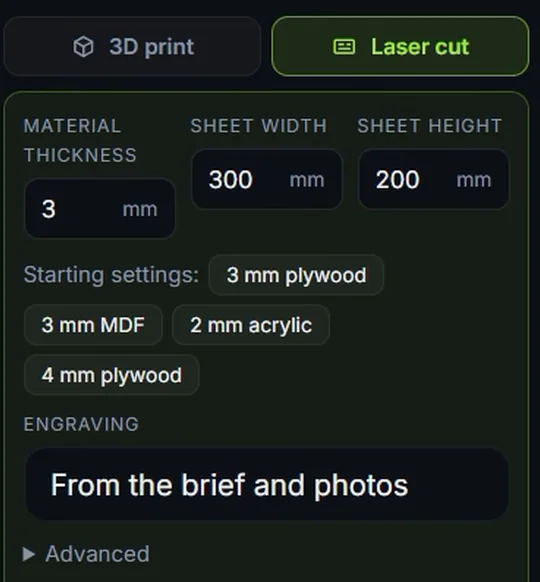
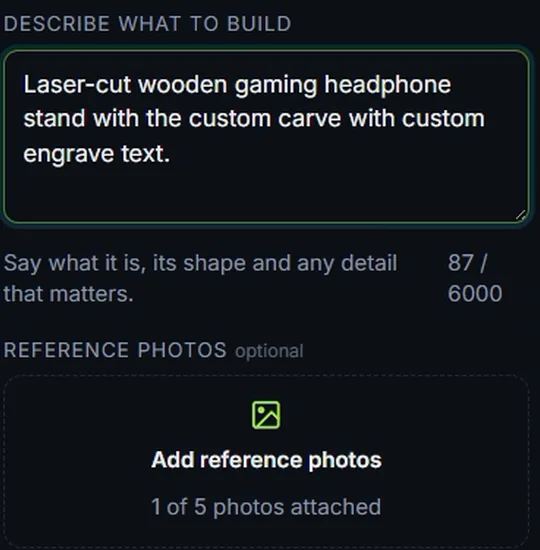
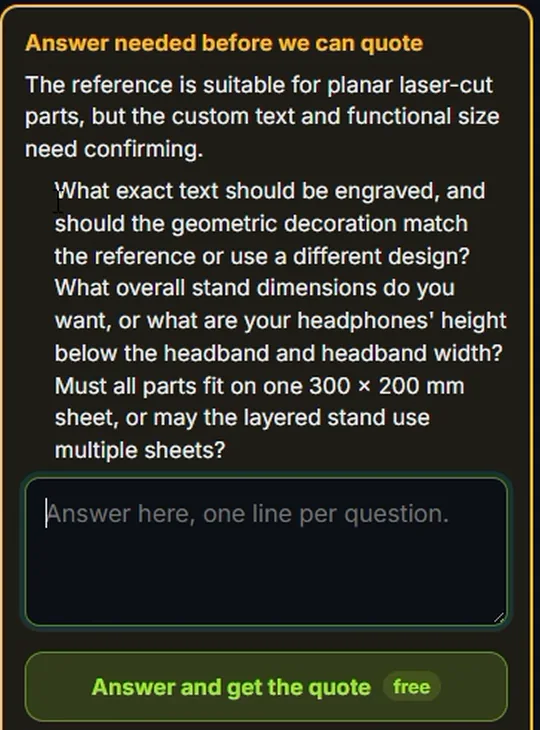
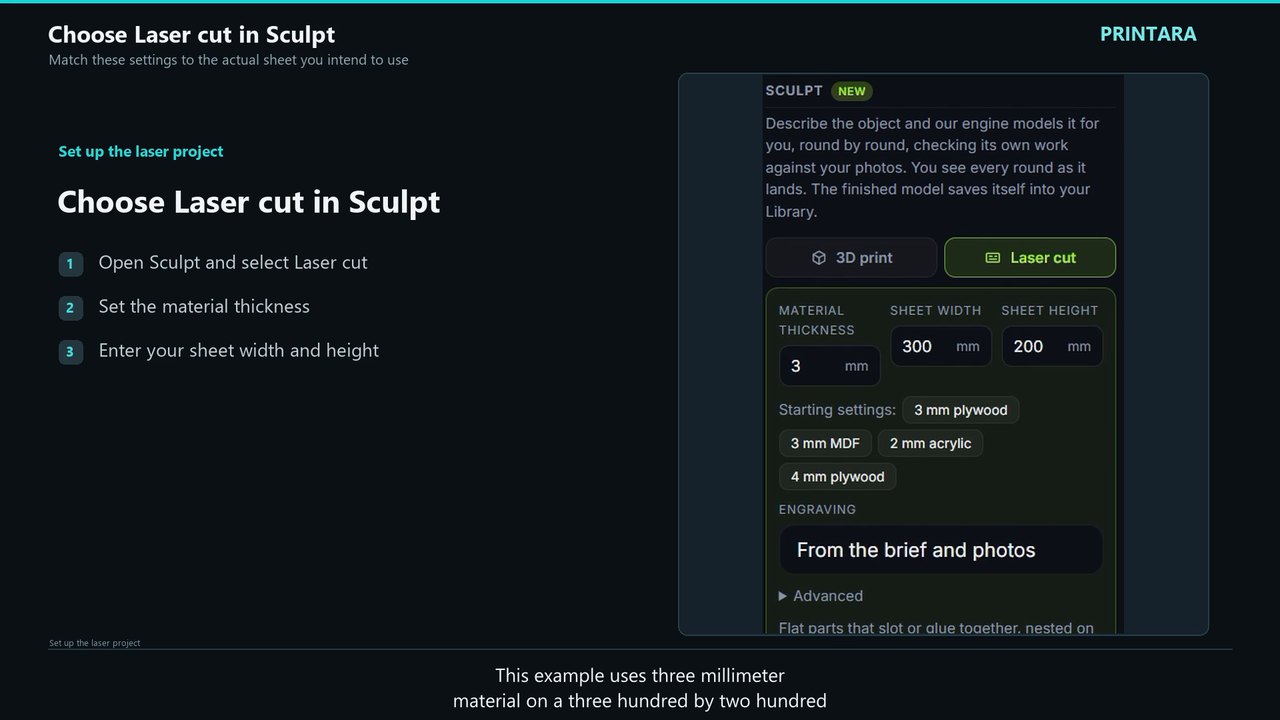
Open Sculpt in Printara Studio, pick Laser cut and set the material thickness and sheet size in millimetres. Describe what to build, how big it is and how it goes together, add up to 5 reference photos if you have them, and press Get a free quote. Answer any questions, then press Confirm and build: the parts are modelled in 3D, nested on your sheets and saved to your Library with an SVG and a DXF for every sheet.
Which files do I get?
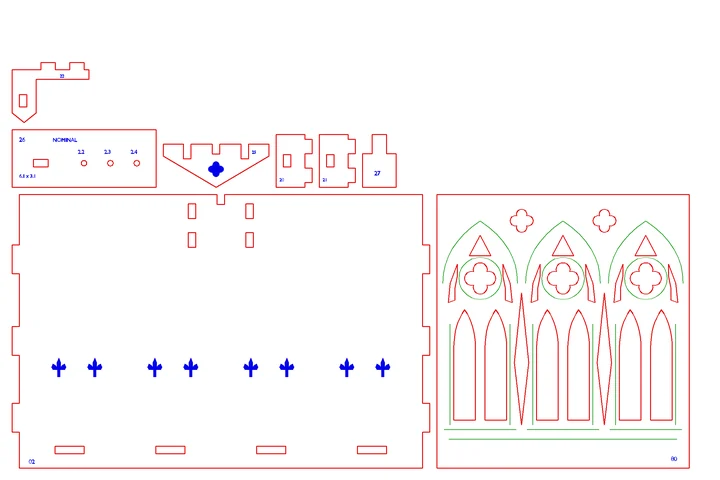
Your laser cut files: a DXF and an SVG for every sheet, at true size in millimetres. The SVG keeps the operations separate. Use the preview legend and README for the colours of the selected export profile. The DXF is R12 with the layers CUT, SCORE, ENGRAVE and ENGRAVE_FILL. You also get the assembled model as STL, GLB and 3MF, and a Parts ZIP with one STL per part.
Does it support cut, score and engrave operations?
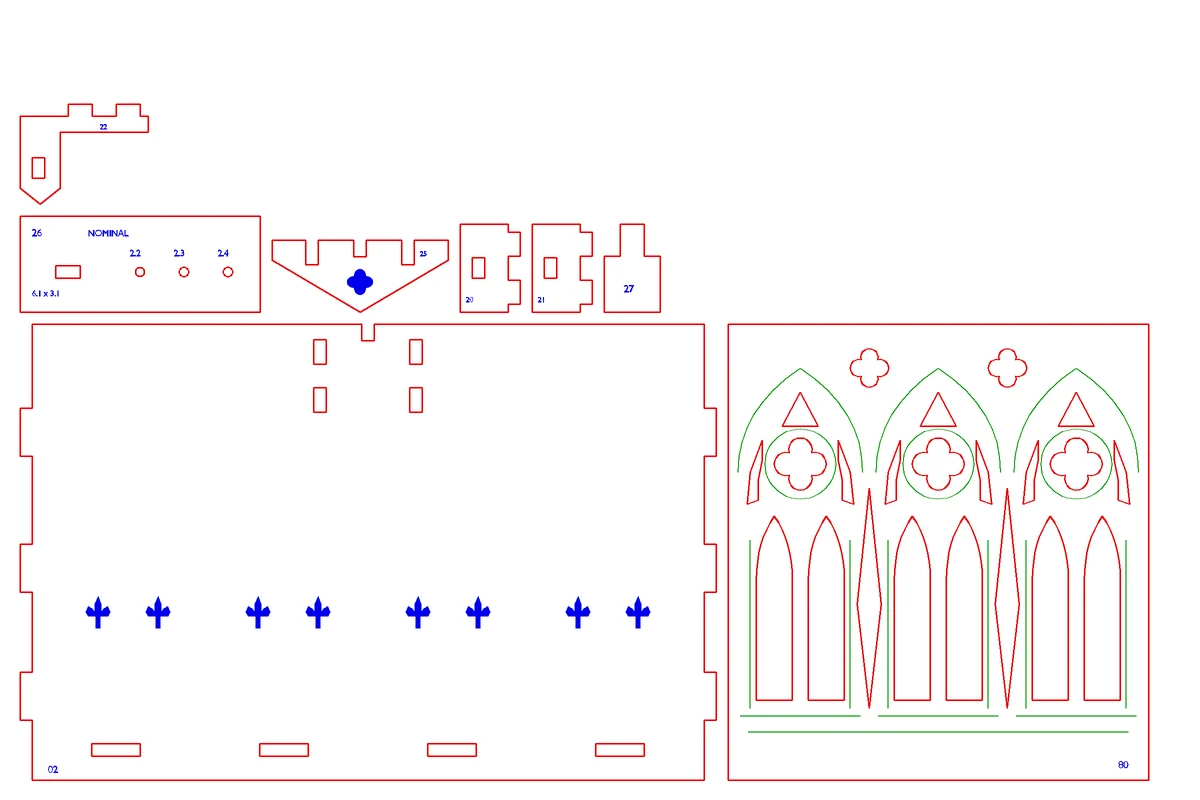
Yes. Every cutting sheet keeps the operations apart. Use the preview legend and README for the colours of the selected export profile. The DXF is R12 with the layers CUT, SCORE, ENGRAVE and ENGRAVE_FILL. Assign each colour or layer to the matching operation in your laser software, and set ENGRAVE_FILL to a fill operation.
How do material thickness and kerf affect the fit?
Slots are drawn for the Material thickness you set plus the Fit clearance, the total play added to every slot: 0.1 mm unless you change it, from 0 to 2 mm. Printara never applies a kerf, so the sheets carry nominal contours: set the kerf in your laser software from your material profile. Measure your real sheet before you type its thickness, and cut a fit-test coupon or a test joint first.
Can I see how the parts fit together before I cut?
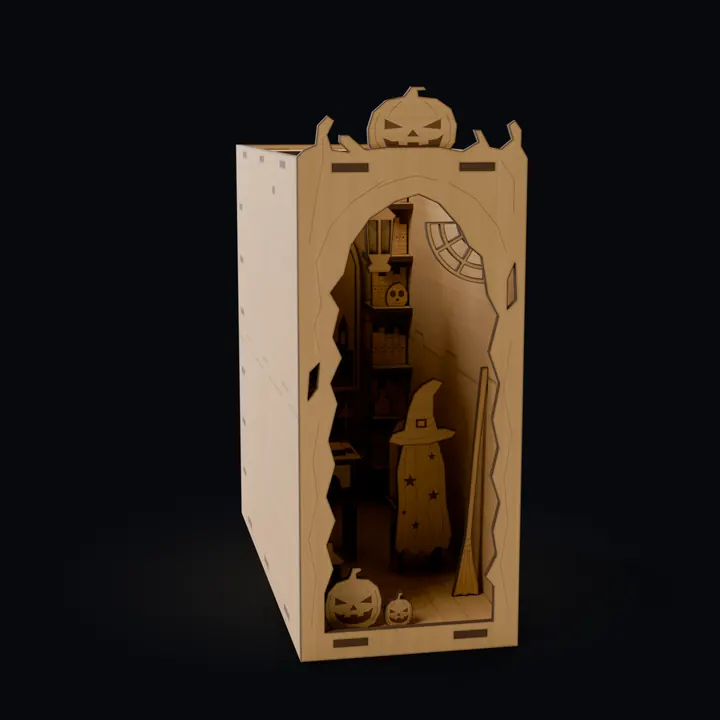
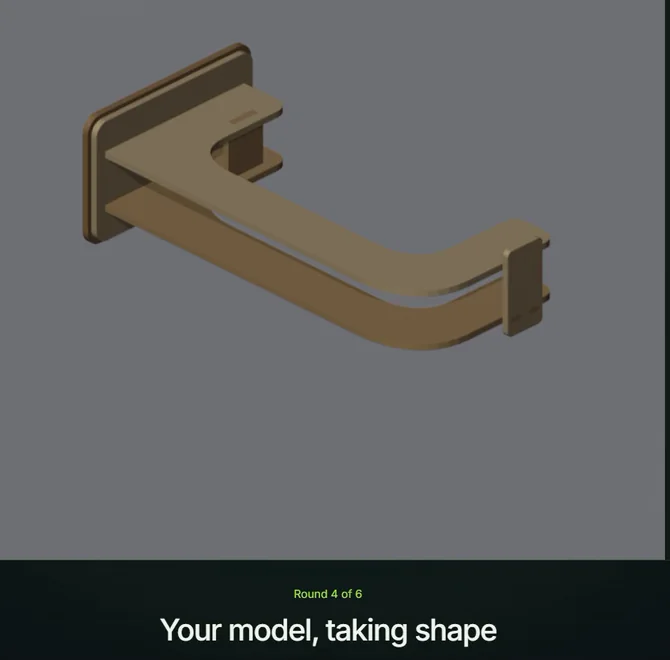
Yes. The parts are modelled in 3D: while the kit builds, the preview of every round shows the parts and the assembly, and the finished kit includes the assembled model in 3D to look at from every side. Preview shows each cutting sheet before you download it. The Academy lesson Design a laser-cut headphone stand walks through a six-part stand on one 300 × 200 mm sheet. Cut a test joint before the full kit.
Can it design a laser cut box with a hinged lid?
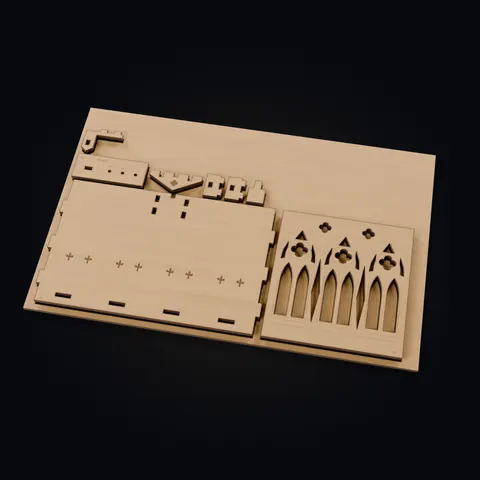
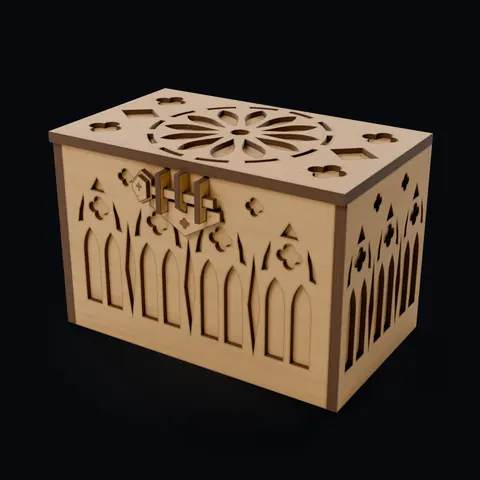
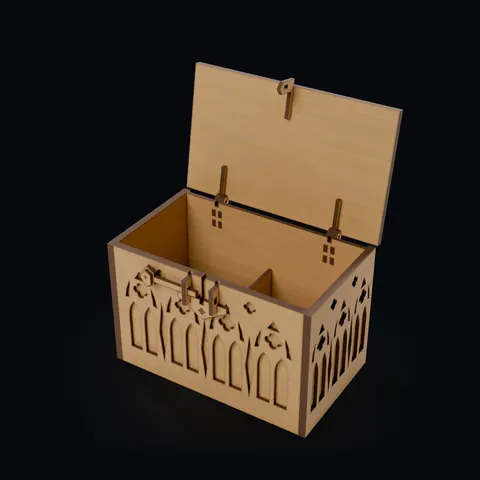
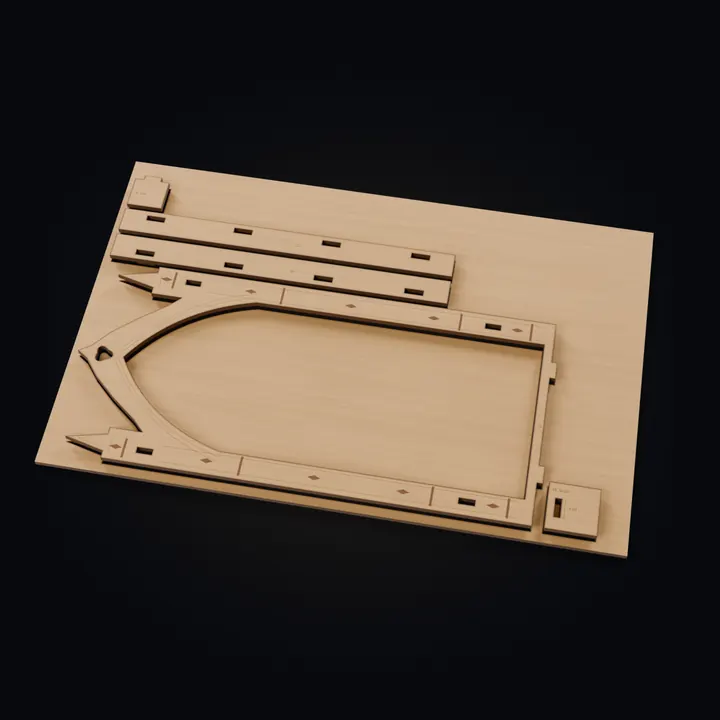
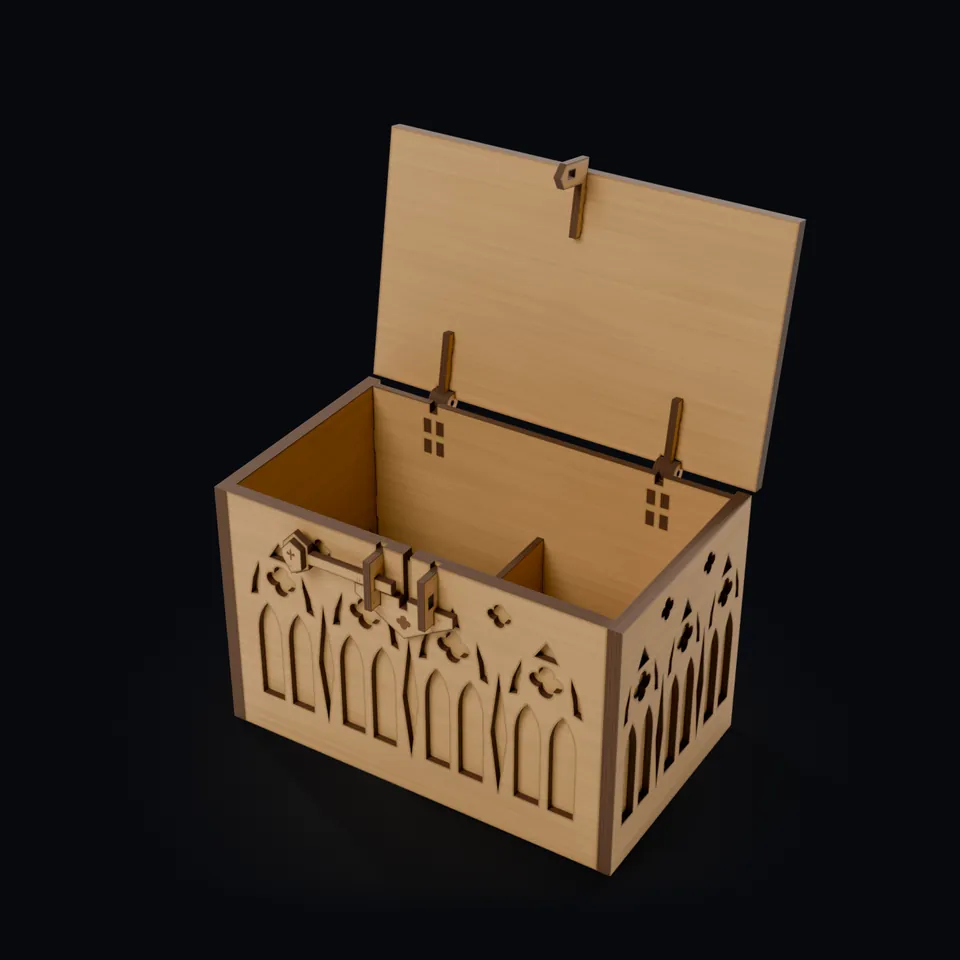
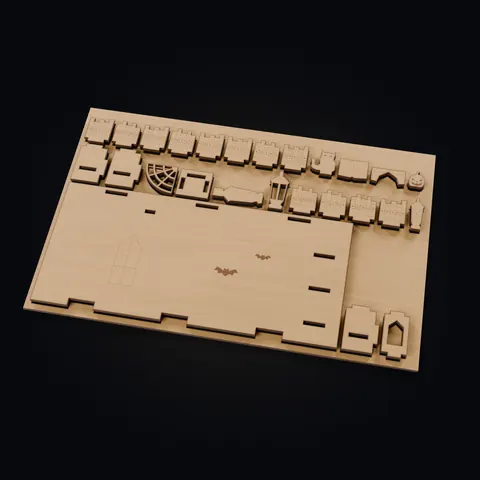
Yes. The Gothic jewelry box on this page was made as a box from a text brief: 180 × 120 × 120 mm in 3 mm plywood, 27 parts on seven 300 × 200 mm sheets, with tab-and-slot walls, a two-layer lid on laser-cut wooden hinges, a sliding latch key and removable dividers. The hinges turn on two 2 mm metal pins, which are not cut and not included. The opening was checked in 3D on the generated parts up to 100 degrees, not on a cut box, so cut the two fit-test coupons first to check the fit in your material.
What sheet sizes and materials can I use?
Any sheet from 50 to 1500 mm on each side and any material thickness from 0.5 to 25 mm. The Studio starts at 300 × 200 mm and 3 mm, with quick settings for 3 mm plywood, 3 mm MDF, 2 mm acrylic and 4 mm plywood. You can also set the sheet margin, the spacing between parts and whether parts may turn 90 degrees to fit.
Can I start from a photo or a picture?
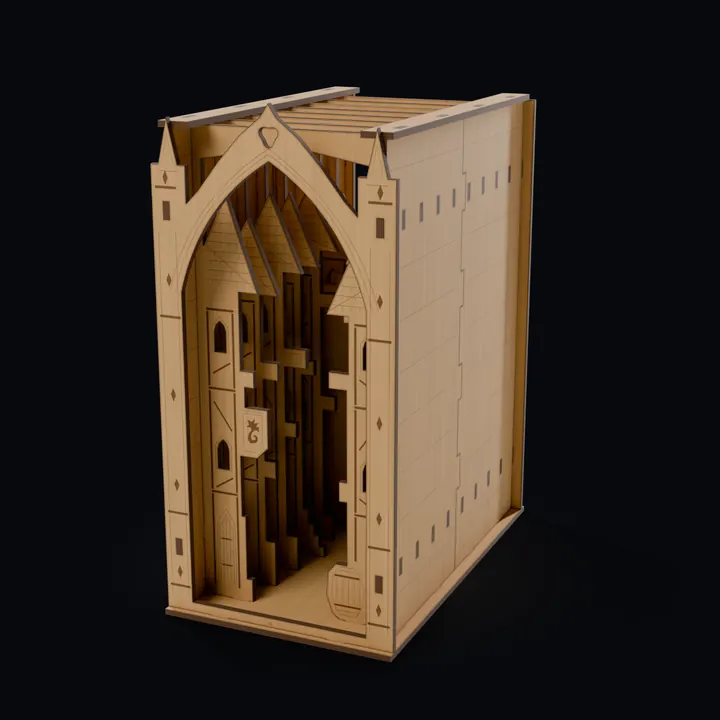
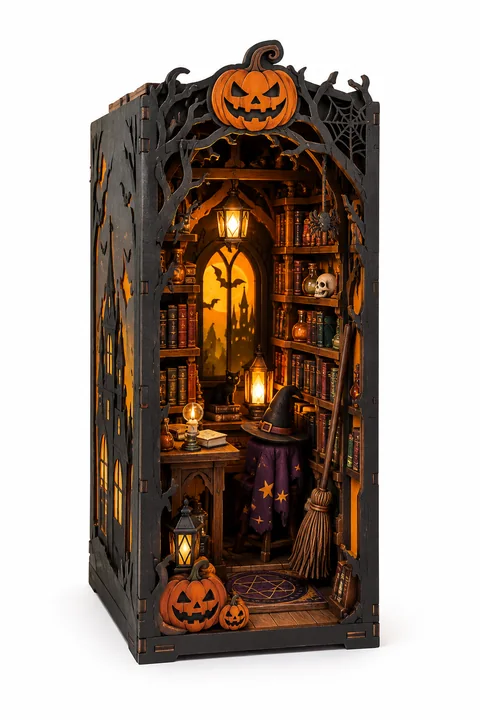
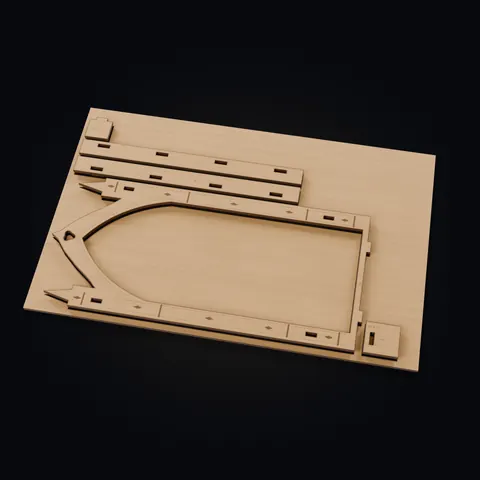
Yes. Add up to 5 reference photos (PNG, JPEG or WebP) next to your brief. The brief says what it is, how big it is and how it goes together; the photos show how it looks. You can also make a clean picture first in the Image tab of Printara Studio, as was done for the magical book nook on this page.
Can it engrave names or text?
Yes. Engraving can follow the brief and the photos, stay off, or use your own text of up to 80 characters. Each engraving travels with its part on the sheet, and fill engraving comes as filled shapes in the SVG and as the ENGRAVE_FILL layer in the DXF.
Can I design custom laser-cut decorations in a browser?
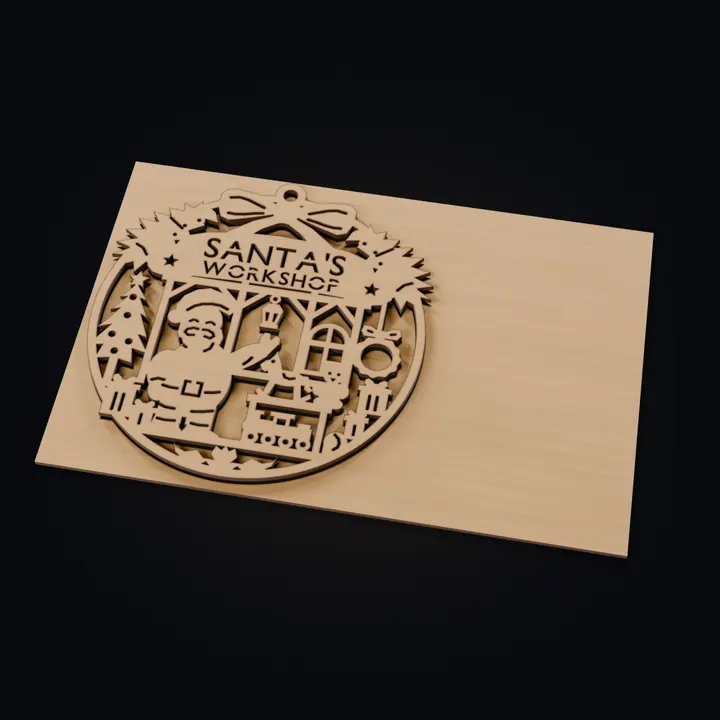
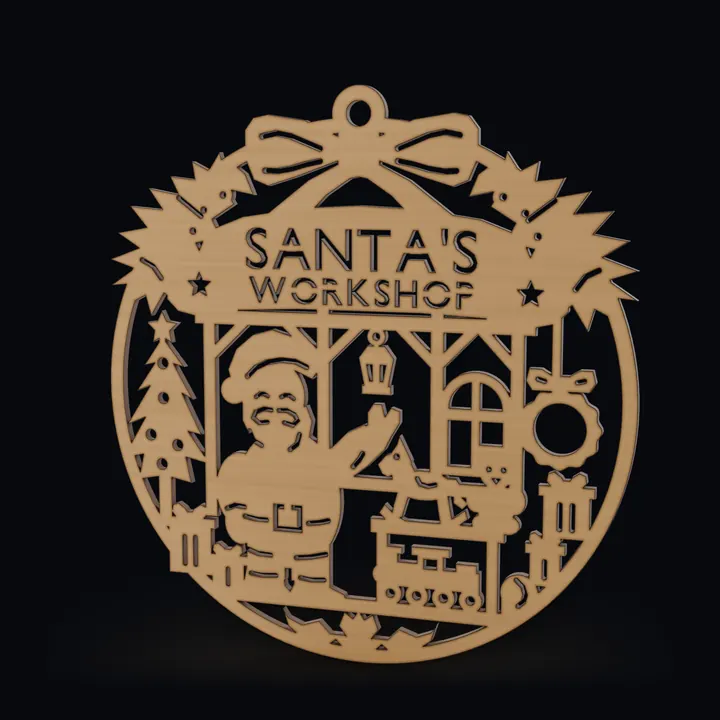
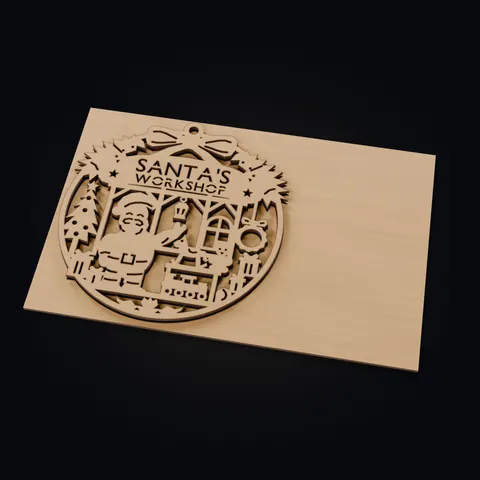
Yes, in Printara Studio, which runs in your web browser. Describe a sign, a door hanger or a layered ornament in a short brief, with your own engraved text of up to 80 characters if you want. The Santa's workshop door hanger on this page is one connected part, 180 × 190 mm, from a short brief. For a name or a photo on a flat ornament, the Christmas ornament maker also exports a laser SVG.
What should I check in the files before sending them to my laser?
The files are standard SVG and DXF R12 in millimetres, which most laser software can import. Import one format, not both, and check that it reads millimetres. Use the preview legend and README for the colours of the selected export profile. Set the kerf for your material, then cut a test joint, or a fit-test coupon if the kit has one, before the full kit. Printara does not test the files on specific machines.
Can I change a kit after it is built?
Yes. In your Library, Edit with Sculpt opens the finished model: describe the change and get a free edit quote. The edit becomes a new linked version, and the original stays as it was.
What are paper decals?
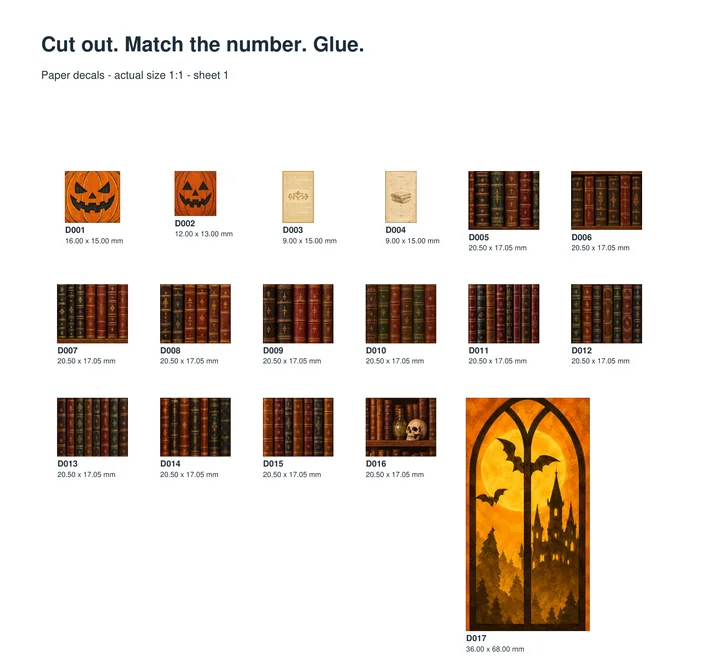
For laser kits built from reference photos, Printara can turn the picture details into printable paper decals. You get a PDF at actual size on A4, Letter or A3: print it at 100 %, cut out each decal and glue it onto the matching part. The decals are an optional finish, not a cutting or engraving file.
Can I sell what I make?
Yes. Under Printara's Terms you keep ownership of the models you generate, and you give Printara a non-exclusive licence to display, distribute and market them. You are responsible for making sure a design does not copy someone else's characters, trademarks or designs before you sell it. With a paid creator plan you can list a kit in the laser-cut category of the Printara marketplace, where buyers download its SVG and DXF sheets.
Do I need an account, and what does it cost?
Printara Studio opens after you sign in, and a Printara account is free. The quote is free; building uses credits from a plan or a credit pack, and the quote shows the exact credits before you confirm. If a build fails, the credits come back automatically.